Report on call activity
Summarize relevant inbound and outbound records, outcomes, durations, and organizational dimensions.
Bring selected call and operational data into a repeatable reporting view for service reviews, management, and planning.
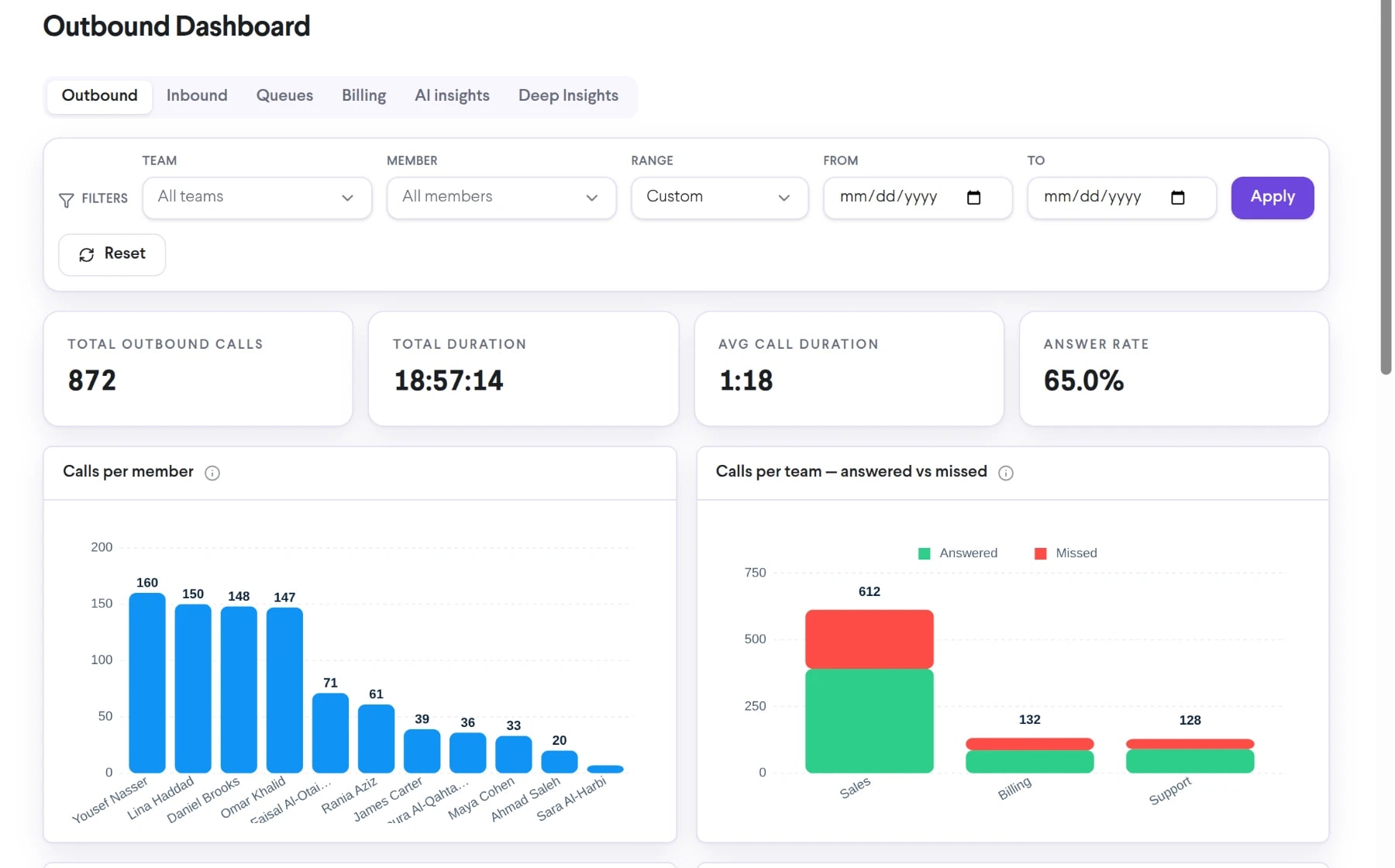
Bring comprehensive call reports into the same connected experience as your business calls, customer conversations, and team collaboration.
Summarize relevant inbound and outbound records, outcomes, durations, and organizational dimensions.
Build a view around the time period, team, member, or call type relevant to the question.
Use reports in operational meetings, service analysis, and cost discussions.
See how comprehensive call reports moves from setup to everyday use inside TalkChief.
Choose the operational or financial issue the report needs to illuminate.
Apply the available period, team, member, direction, status, and cost dimensions.
Share or export the supported output with the people responsible for the next action.
Explore related capabilities that bring calling, customer service, and teamwork together.
Create focused TalkChief call reports around the metrics, teams, time periods, and operating questions your business needs to review.
Explore Custom Reports on Demand →AnalyticsAnalyze call volume, answer patterns, talk time, agent activity, and queue performance in TalkChief call center dashboards.
Explore Call Center Analytics →AnalyticsExplore TalkChief call-center and communications data through interactive dashboards with available filters, charts, and operating views.
Explore Interactive BI Dashboards →Contact centerConnect reporting with routing, supervision, call records, and team performance.
Explore →All featuresDiscover business phone, contact-center, productivity, analytics, and Cowork features.
Explore →