Choose relevant measures
Focus on the call, team, member, status, duration, or cost fields available to the reporting workflow.
Use custom reporting to answer questions that a standard dashboard does not capture in the exact format your team needs.
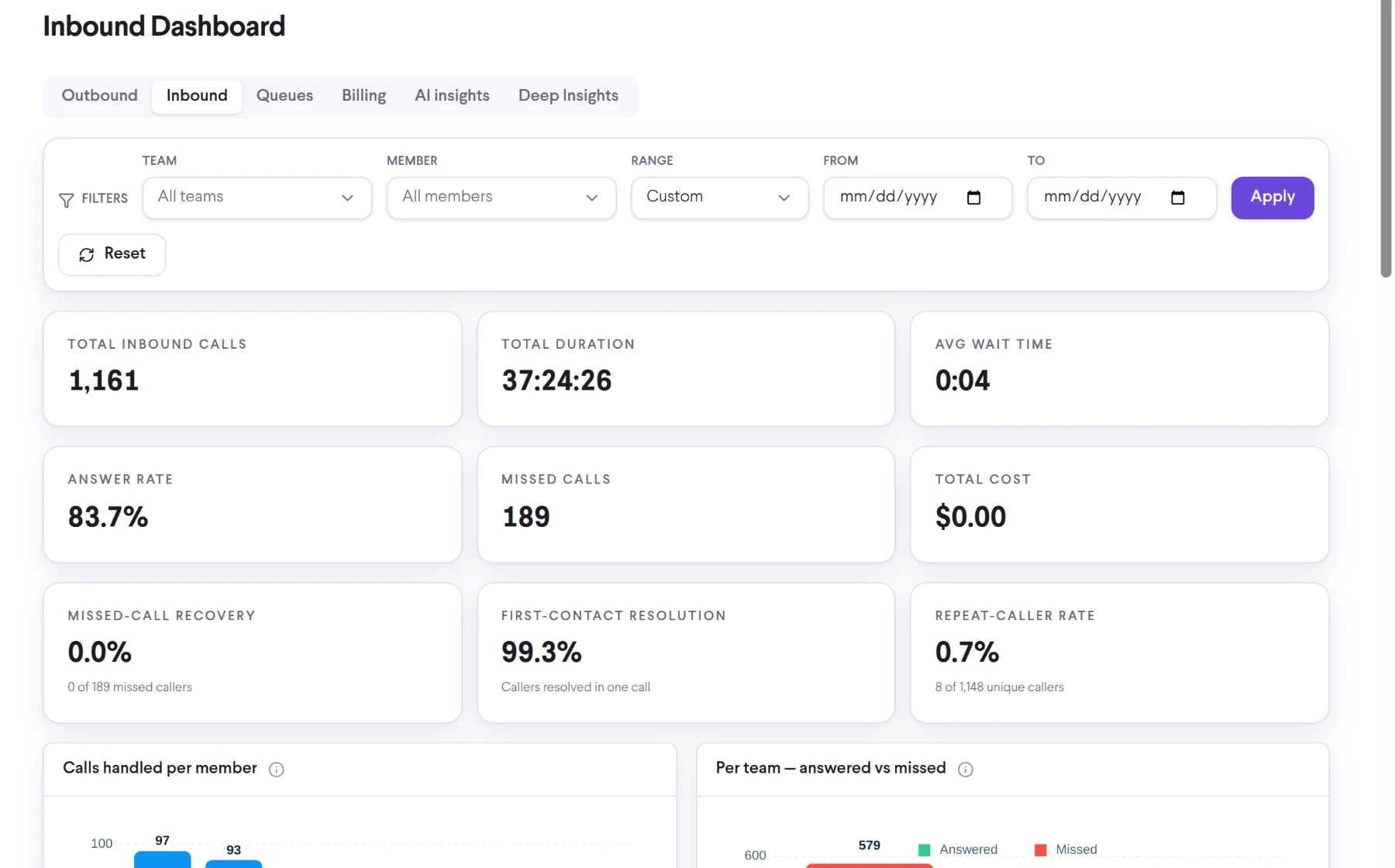
Bring custom reports on demand into the same connected experience as your business calls, customer conversations, and team collaboration.
Focus on the call, team, member, status, duration, or cost fields available to the reporting workflow.
Structure outputs around the way leaders and operators assess performance.
Create a repeatable basis for the reviews your team performs regularly.
See how custom reports on demand moves from setup to everyday use inside TalkChief.
Clarify who will use the report and which decision it should support.
Choose available metrics, dimensions, filters, and the reporting period.
Confirm definitions and totals before distributing or using the report in decisions.
Explore related capabilities that bring calling, customer service, and teamwork together.
Review and share structured TalkChief call reports covering activity, outcomes, duration, teams, members, and available financial data.
Explore Comprehensive Call Reports →AnalyticsExplore TalkChief call-center and communications data through interactive dashboards with available filters, charts, and operating views.
Explore Interactive BI Dashboards →AnalyticsFilter TalkChief call activity by relevant dates, teams, members, directions, outcomes, and other available fields to find the records you need.
Explore Custom Filters →Contact centerConnect reporting with routing, supervision, call records, and team performance.
Explore →All featuresDiscover business phone, contact-center, productivity, analytics, and Cowork features.
Explore →