Noor Alami
Northstar is ready to confirm the Q3 renewal. Starting the customer call now.
Channels, direct messages, meetings and screen sharing, with the business phone dialer and address book built in. AI escalation alerts post into your channels, and admins see the call dashboards right inside Cowork.
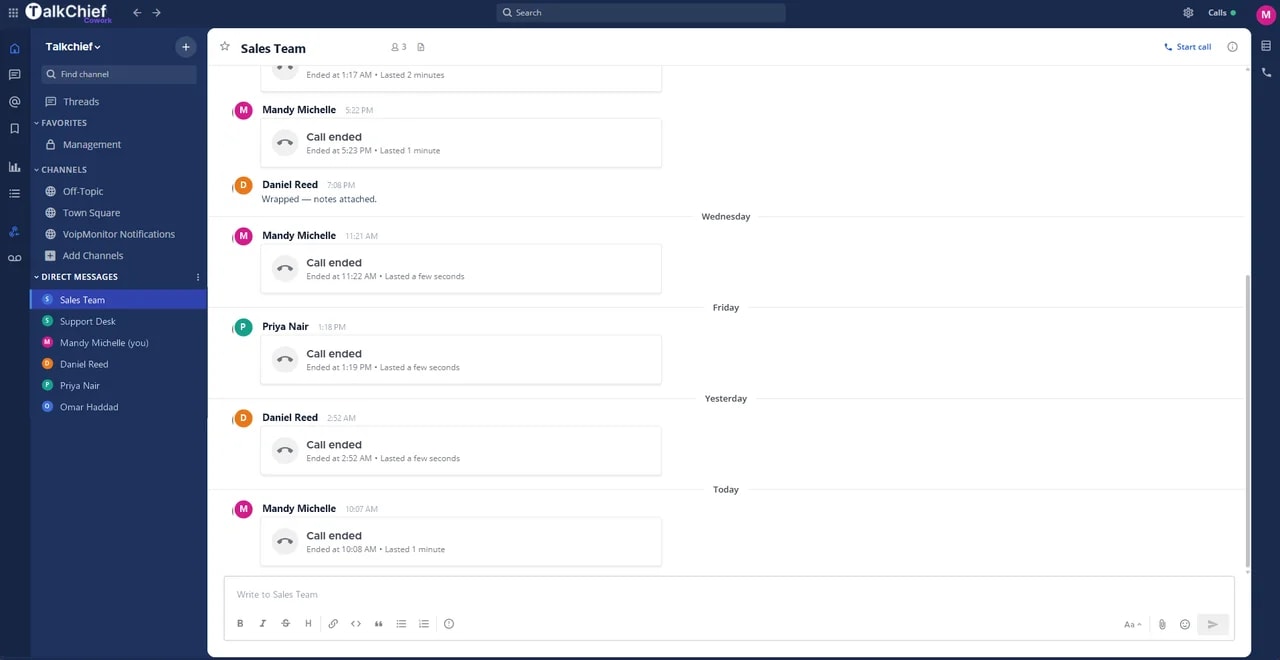
Start a group call from any channel and share your screen. Dial customers from the same window, and see escalation alerts the moment AI flags a call.

Product illustration uses fictional demo data.
See how team messaging, a business call, live collaboration, and AI escalation alerts stay connected in one workspace.
Animated TalkChief Cowork desktop demonstration. A customer call connects, teammates join a conference, and an AI escalation alert with the call summary appears in the customer-success channel. The sequence repeats while it is on screen and can be paused.
Keep team messaging, presence, meetings, and business calls in one workspace, with conversation context available wherever the team continues the work.
A space for every team, project, and market — public, private, or read-only announcements.
Keep side-discussions out of the main flow and pull the right person in with a mention.
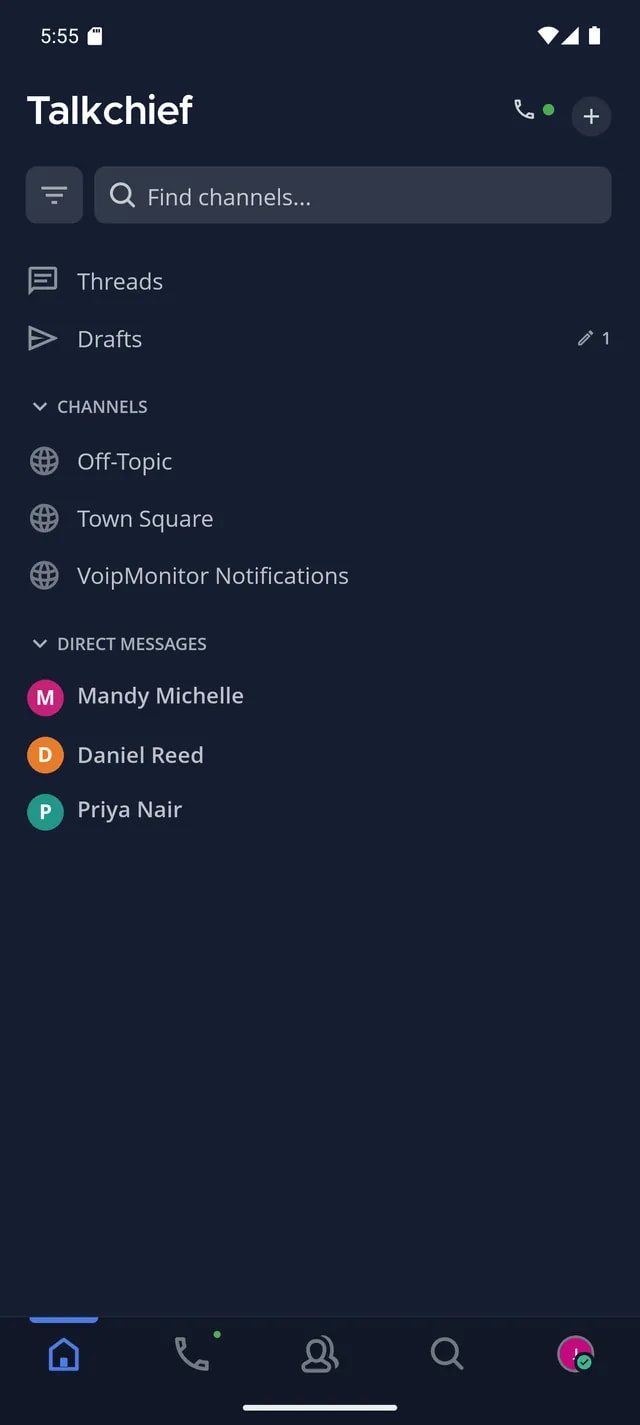
Direct and group messages with live presence — see who is online, on a call, or away.
One click turns any space into a call with a participants panel, mute controls, and screen share.
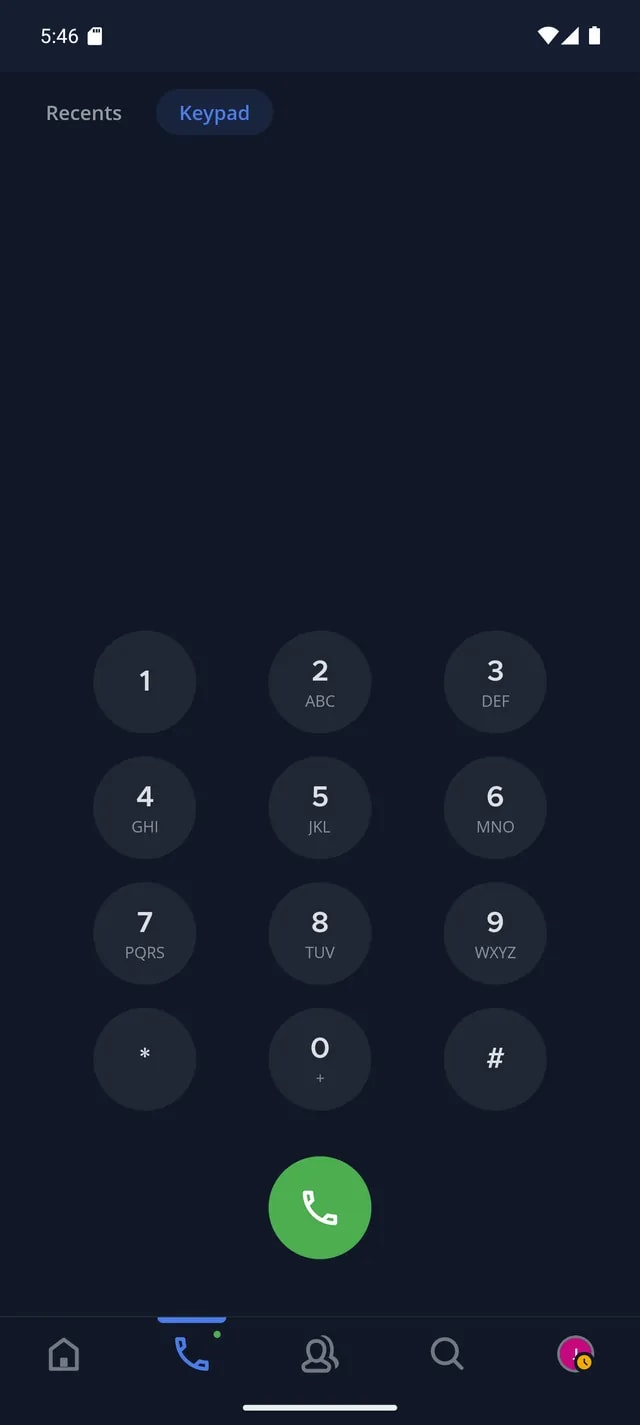
Use the keypad, recents, voicemail, and your work number inside Cowork on Windows, macOS, or the web.
With AI Call Intelligence on, escalated calls post to the Cowork channel you choose, with the reason, the customer’s words and the call summary when it is ready.
Search supported messages, files, and call notes across Cowork on Windows, macOS, and the web.
Use TalkChief on Windows, macOS, iOS, Android, and the web; confirm role-specific features, permissions, and supported versions for each platform.
Admins control who can join, post, and start calls — per space and per team.
TalkChief connects how your team works, how customers reach you, and how every conversation becomes a clearer next action.
Channels, direct messages, presence, meetings, and shared call context live in one workspace.
Business phone, queues, IVR, routing, and coaching connect customers with the right people.
Dashboards, multilingual transcripts, summaries, and action items make the next move visible.