Connect agents across locations
Use supported desktop, web, mobile, and IP phone endpoints around a shared business workflow.
Bring remote, office, and multi-region teams into one cloud operating model for customer calls, team coordination, and performance visibility.
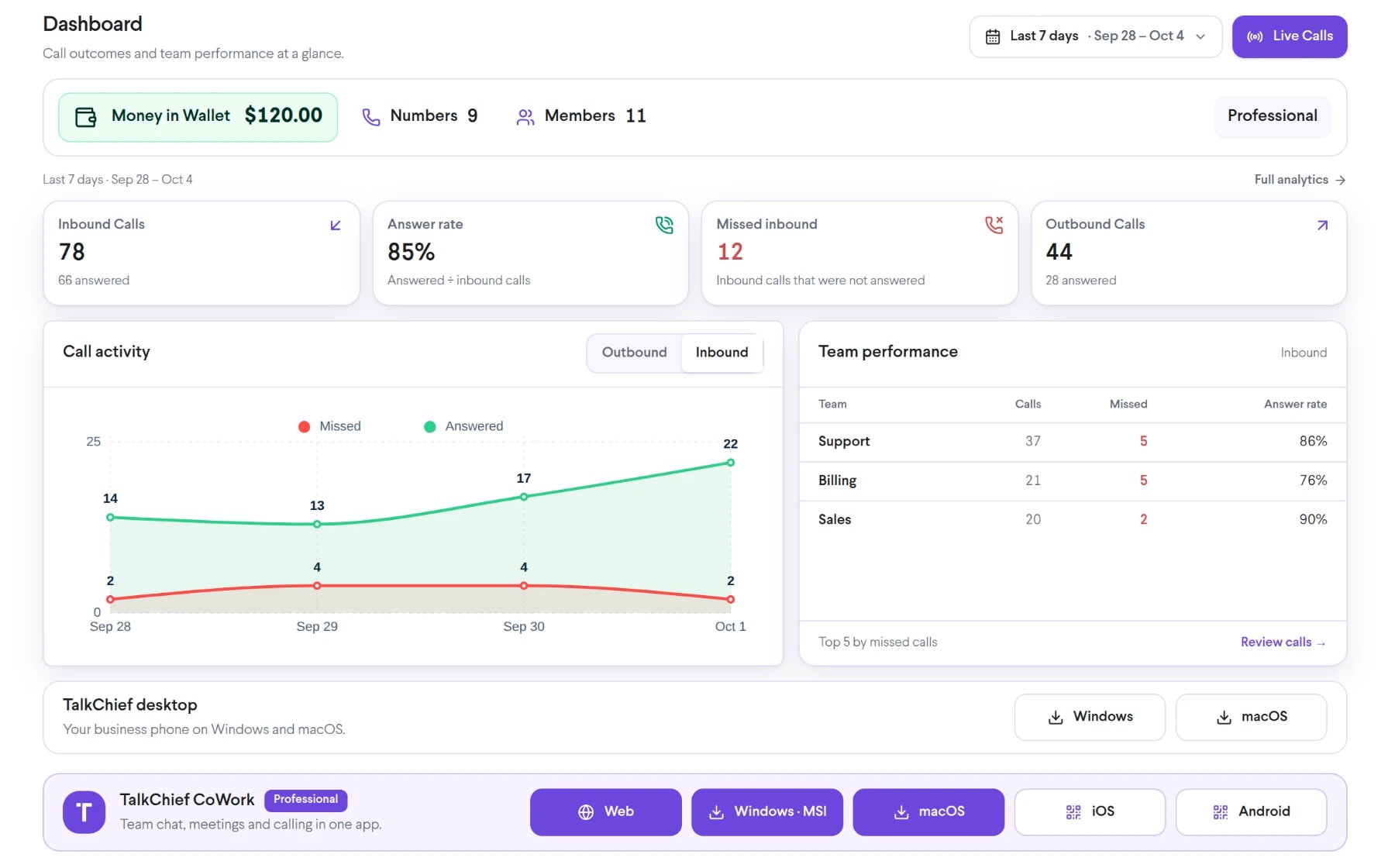
Bring virtual call center into the same connected experience as your business calls, customer conversations, and team collaboration.
Use supported desktop, web, mobile, and IP phone endpoints around a shared business workflow.
Manage inbound distribution, schedules, numbers, and fallbacks without tying operations to one office.
Use available live views, coaching tools, dashboards, and team structures across locations.
See how virtual call center moves from setup to everyday use inside TalkChief.
Define roles, locations, timezones, languages, schedules, and escalation ownership.
Connect numbers, queues, routing, endpoints, permissions, and collaboration spaces.
Test networks, audio devices, continuity procedures, supervision, and support processes.
Explore related capabilities that bring calling, customer service, and teamwork together.
Manage call-center teams, queues, routing, schedules, supervision, and operational visibility from one TalkChief workspace.
Explore Call Center Management →ProductivityUse native TalkChief apps on Windows, macOS, iOS, and Android, or work from the TalkChief browser workspace.
Explore Desktop, Web and Mobile Calling Options →Contact centerAssign TalkChief team supervisors and give authorized managers access to the live, coaching, reporting, and administrative views their role requires.
Explore Team Supervisors →Contact centerConnect queues, routing, supervision, reporting, and team workflows in one place.
Explore →Middle East teamsBring regional voice connectivity, multilingual teams, and customer service workflows together.
Explore →