Assign team responsibility
Connect supervisors with the members and workflows they are accountable for.
Organize managerial responsibility around teams and apply role-based access to the operational context supervisors need.
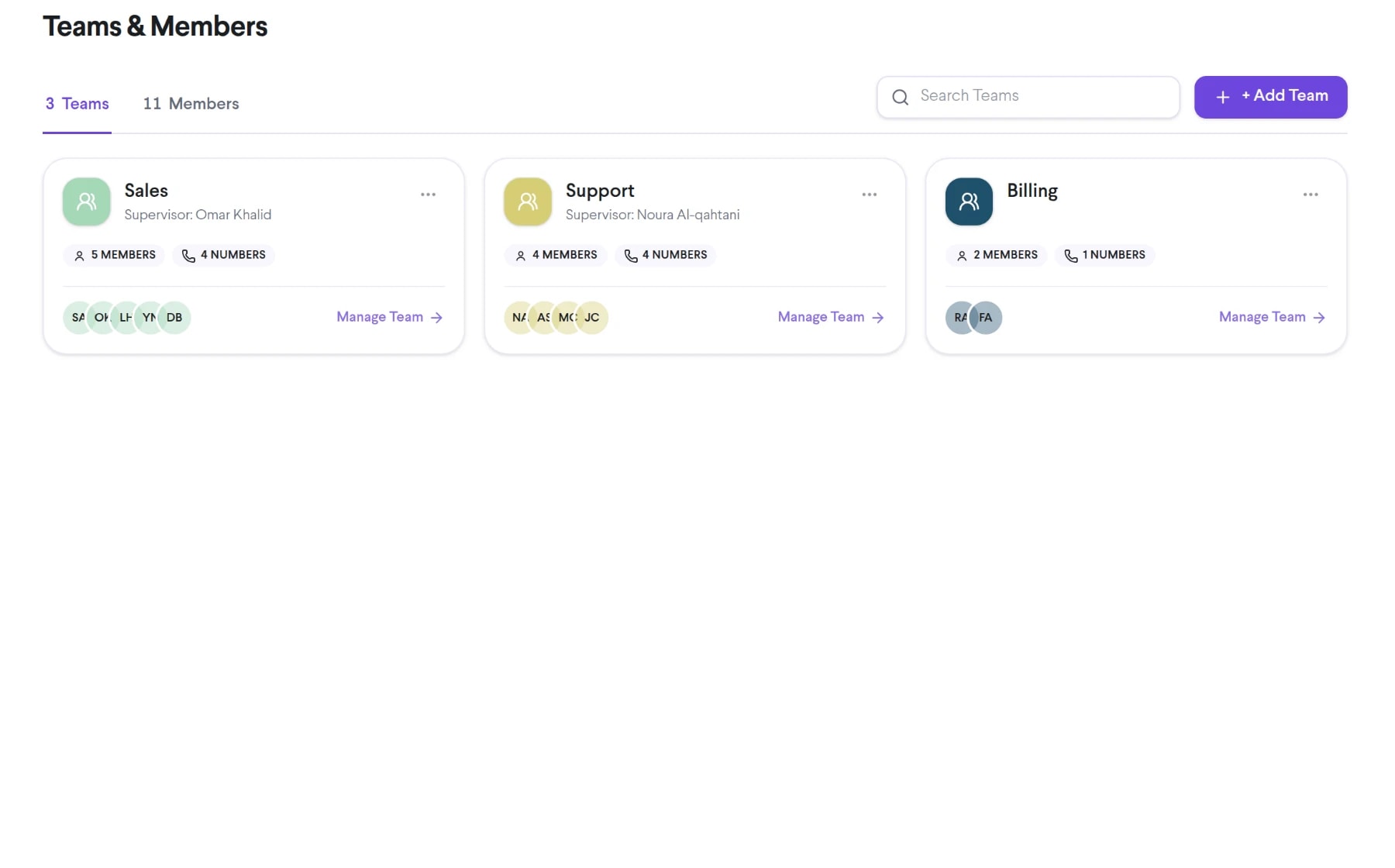
Bring team supervisors into the same connected experience as your business calls, customer conversations, and team collaboration.
Connect supervisors with the members and workflows they are accountable for.
Provide authorized access to relevant activity, monitoring, and coaching tools.
Use available team dashboards and reports in recurring feedback and planning.
See how team supervisors moves from setup to everyday use inside TalkChief.
Document which teams, data, calls, and administrative actions a supervisor should access.
Grant only the TalkChief capabilities required for that responsibility.
Update assignments when teams, employment, or management responsibilities change.
Explore related capabilities that bring calling, customer service, and teamwork together.
Let authorized supervisors monitor active TalkChief calls for quality review, coaching, and operational support.
Explore Call Monitoring →Contact centerLet authorized supervisors privately coach TalkChief agents during eligible live calls without speaking directly to the customer.
Explore Call Whispering →AnalyticsAnalyze call volume, answer patterns, talk time, agent activity, and queue performance in TalkChief call center dashboards.
Explore Call Center Analytics →Contact centerConnect queues, routing, supervision, reporting, and team workflows in one place.
Explore →Middle East teamsBring regional voice connectivity, multilingual teams, and customer service workflows together.
Explore →