Share an approved number
Assign one eligible business caller ID across the users or workflow that represent the same team.
Use a shared business number when customers should recognize the department or organization rather than an individual user.
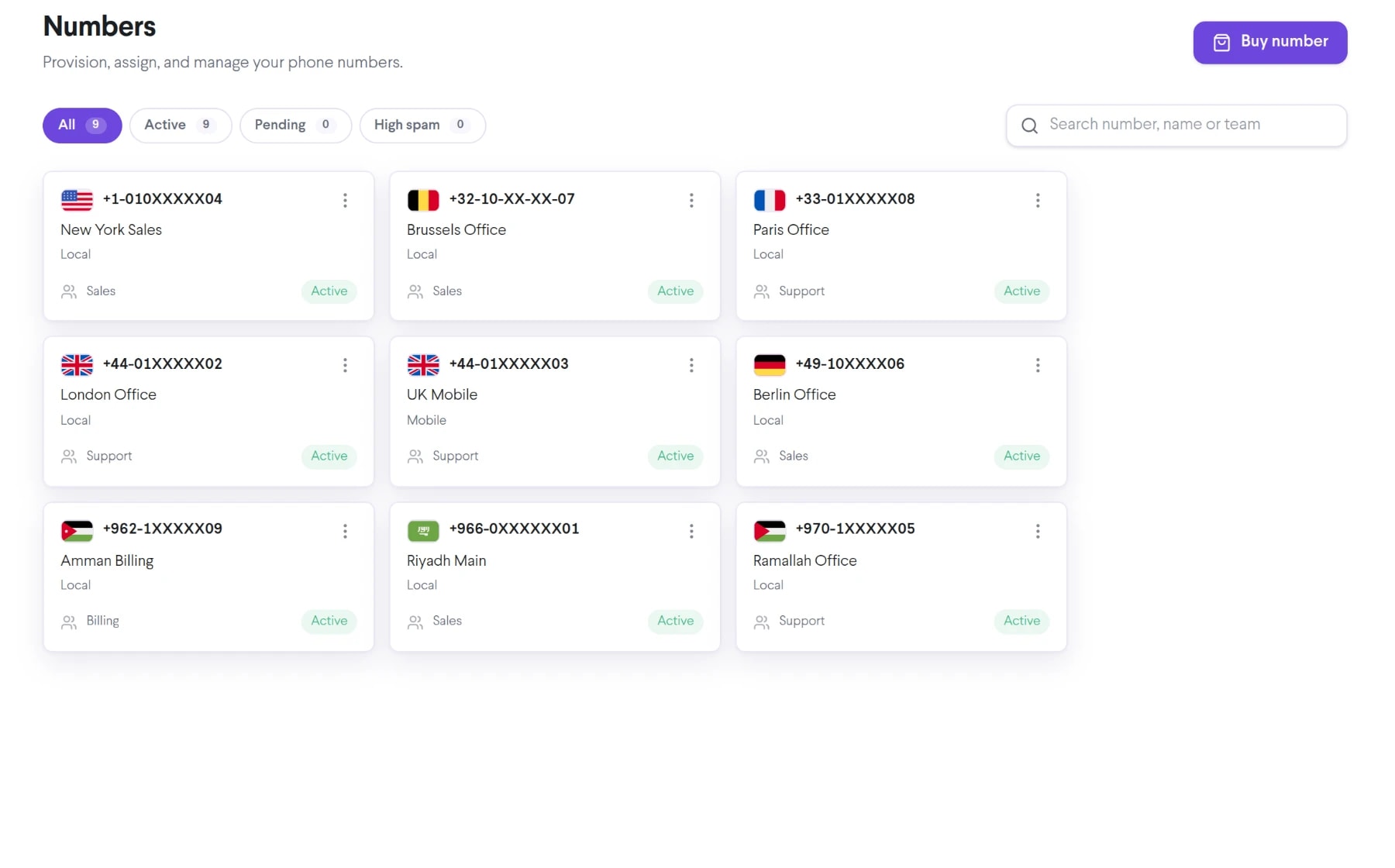
Bring shared caller id into the same connected experience as your business calls, customer conversations, and team collaboration.
Assign one eligible business caller ID across the users or workflow that represent the same team.
Reduce avoidable variation when multiple employees call on behalf of one department.
Control which users can present the shared number through account configuration.
See how shared caller id moves from setup to everyday use inside TalkChief.
Select an owned, ported, or otherwise approved number for the business use case.
Grant access only to the people and workflows authorized to represent that identity.
Confirm where customers reach the business when they call the shared number back.
Explore related capabilities that bring calling, customer service, and teamwork together.
Assign an approved fixed outbound caller ID to eligible TalkChief users or workflows for a consistent business calling identity.
Explore Fixed Caller ID →Business phoneSelect an eligible TalkChief outbound caller ID using configured destination or regional rules for approved business calling workflows.
Explore Smart Dynamic Caller ID →Business phoneApply TalkChief outbound routing rules around users, destinations, approved numbers, timezones, and business calling policies.
Explore Outbound Call Routing →Business phoneSee how numbers, routing, apps, contact-center tools, and analytics work together.
Explore →Business callingConnect numbers, teams, devices, and customer conversations with TalkChief.
Explore →