A business phone your whole team carries, and an owner who sees every call.
Local business numbers, call flows with IVR and working hours, queues and ring groups, recording and live dashboards, on Web, Windows, macOS, iOS and Android. Add AI Call Intelligence to get every recorded call transcribed, summarised and checked for escalations.
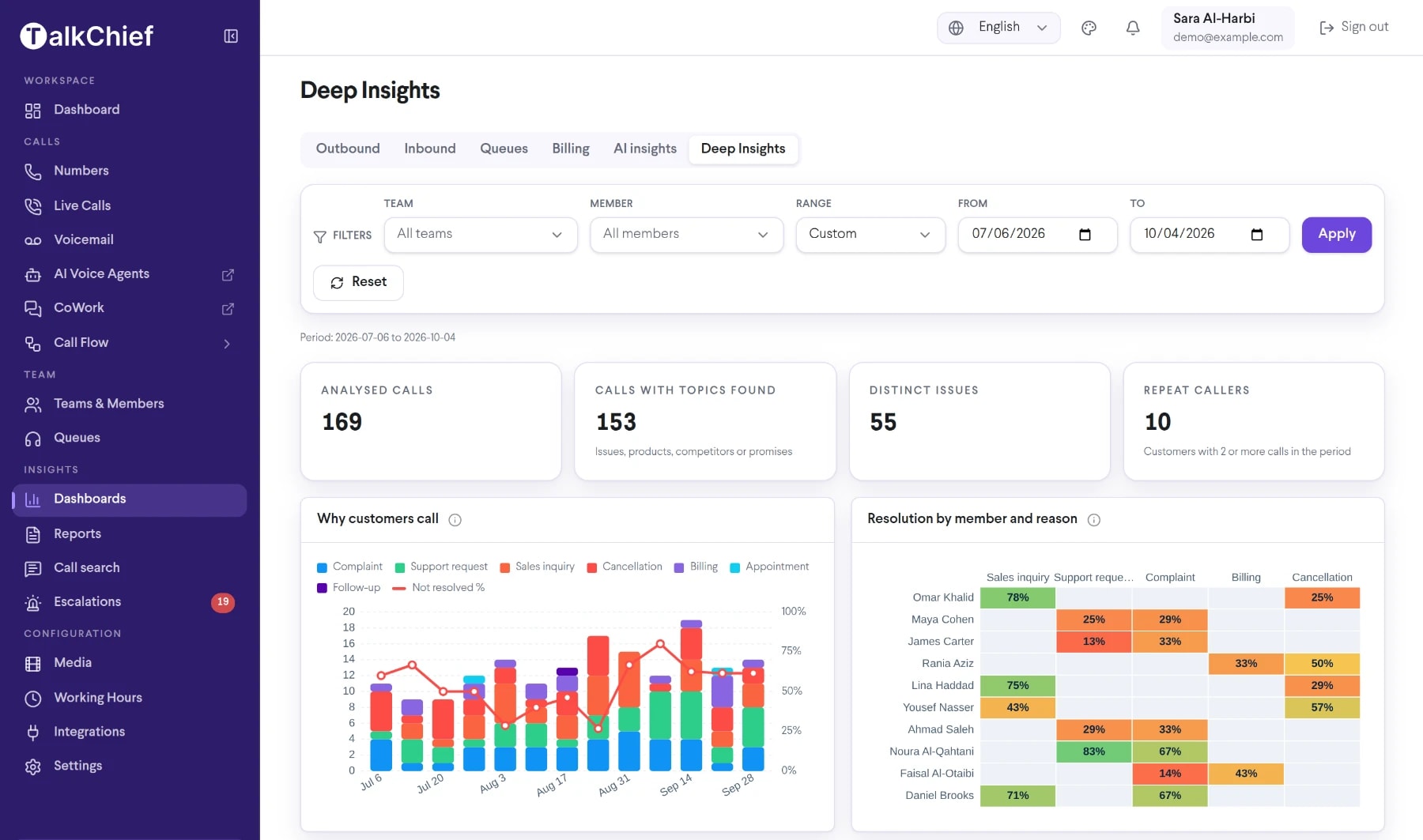
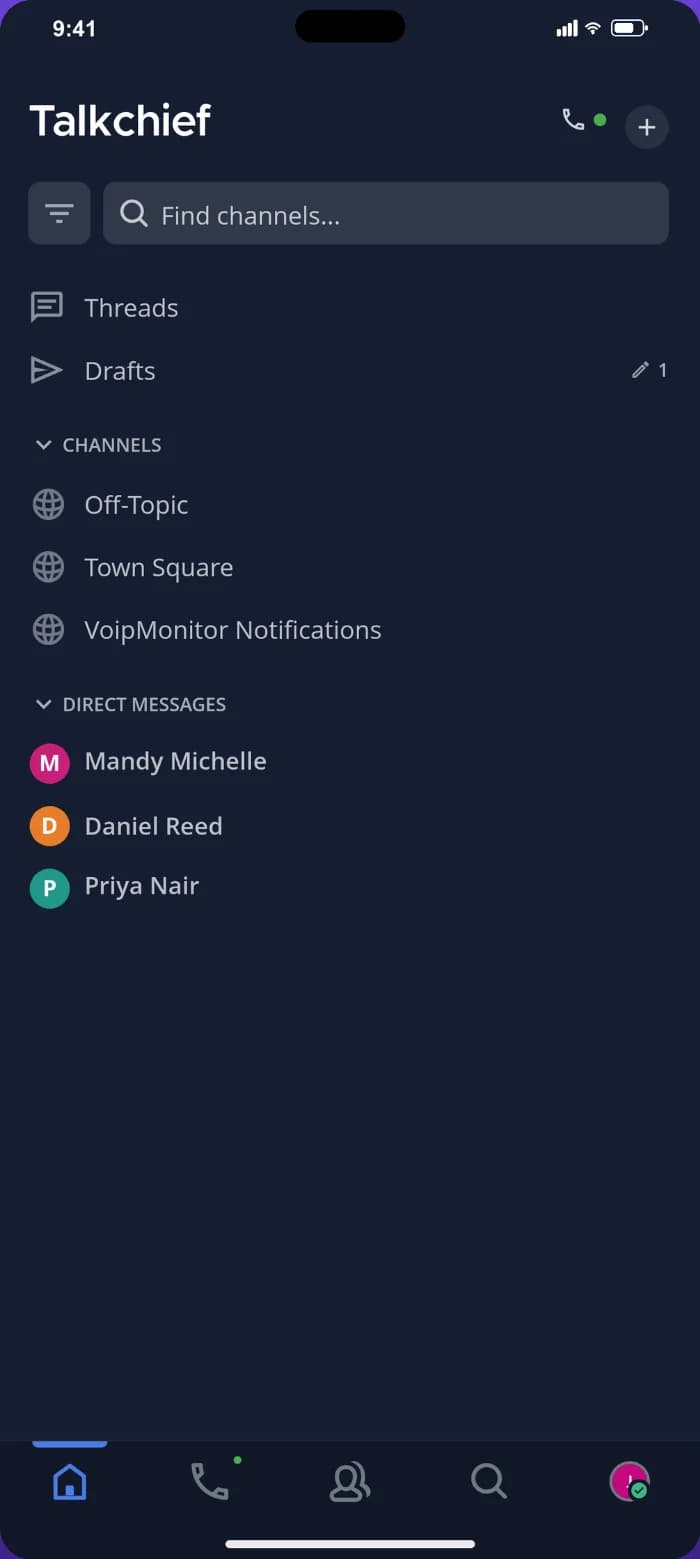
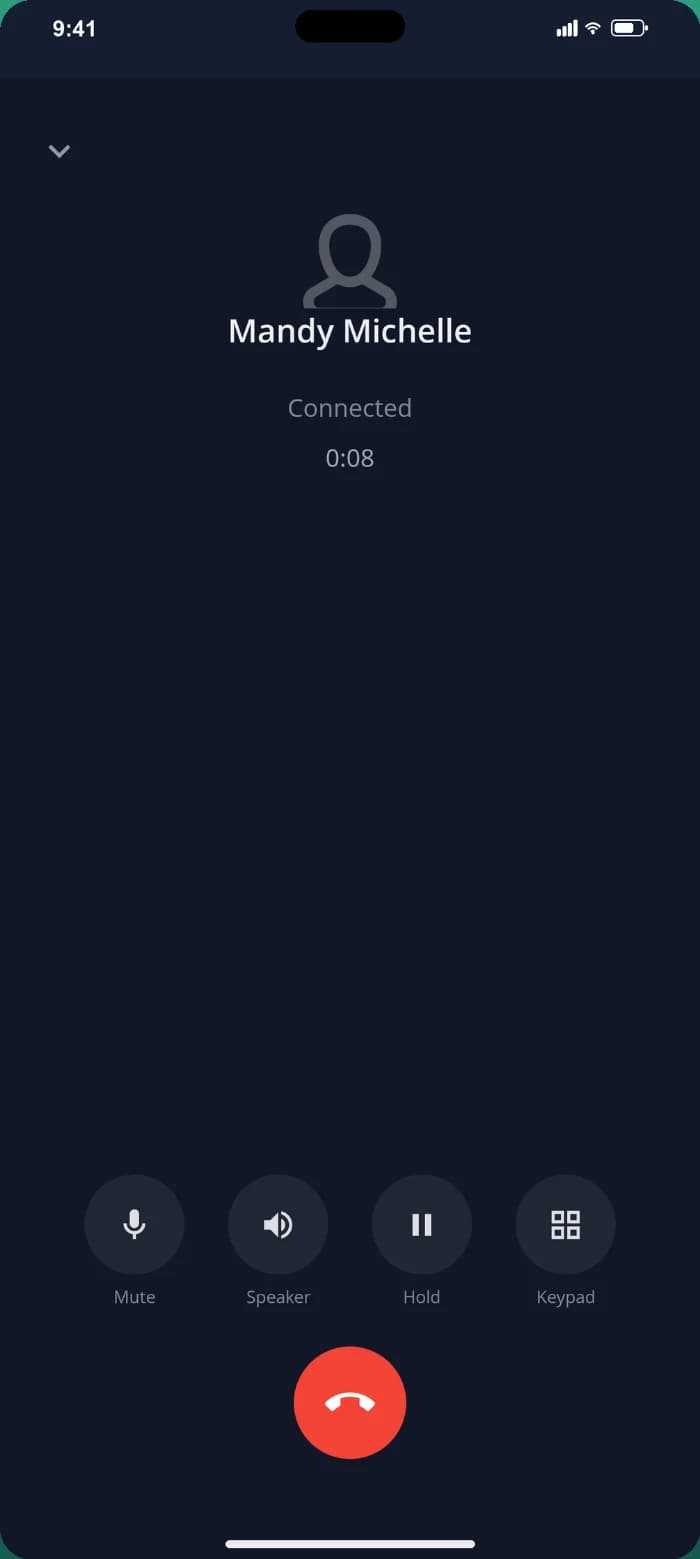
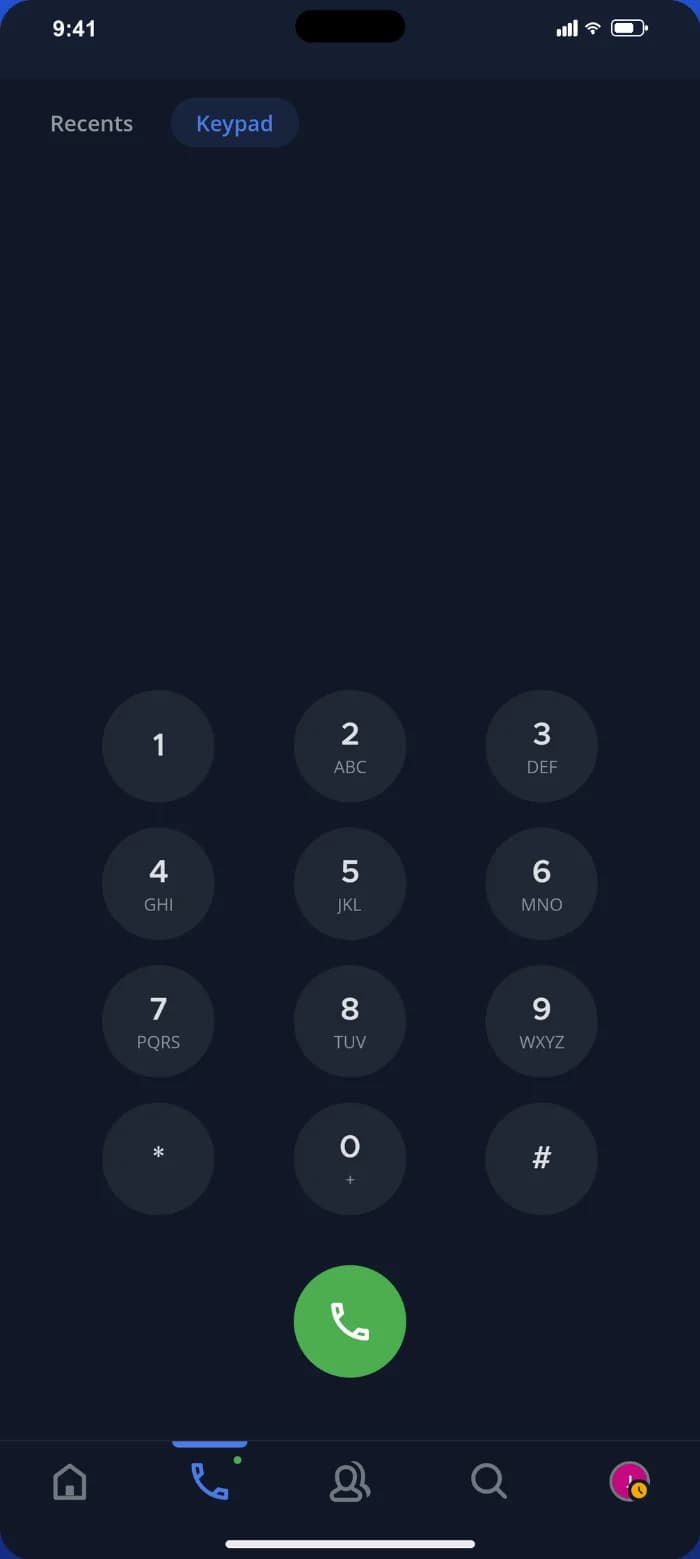
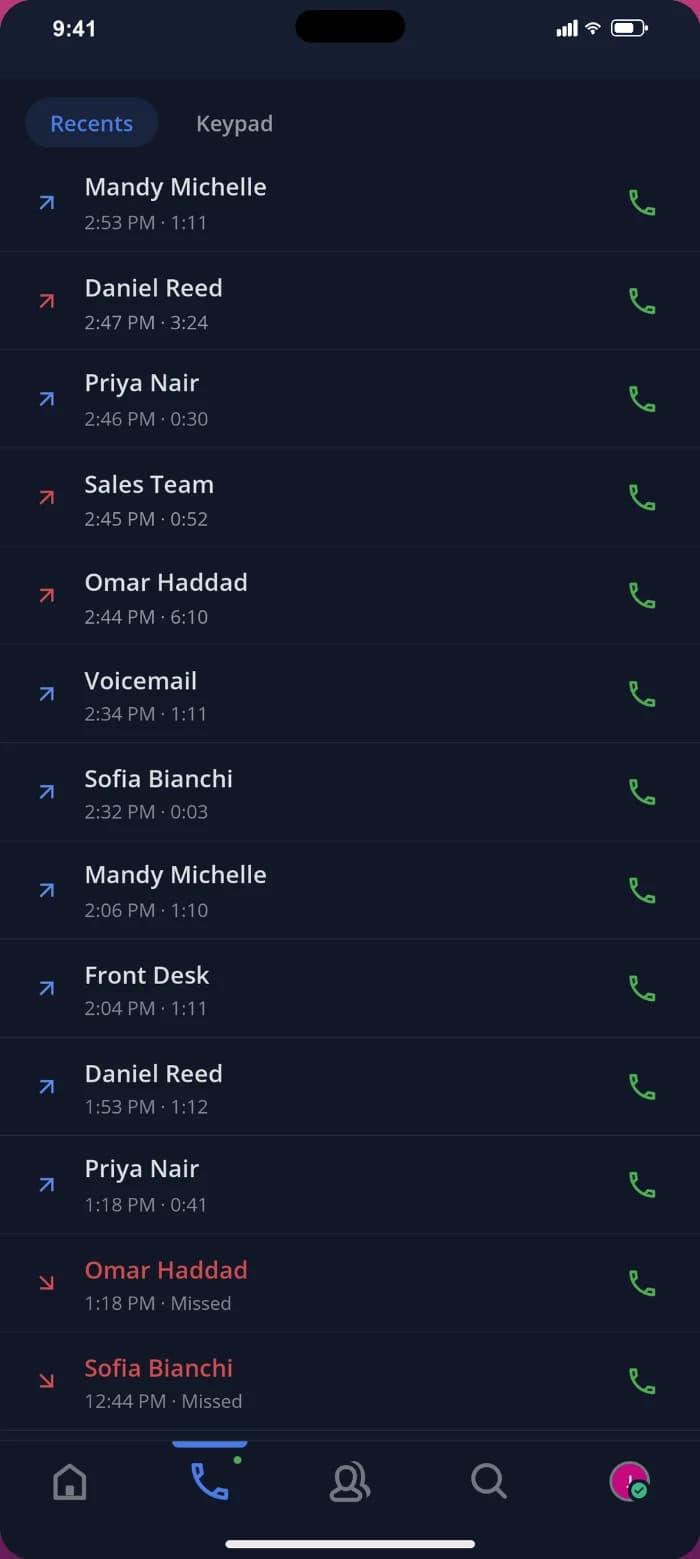

Everything your business phone system needs
TalkChief moves business calling beyond the office PBX. Give each teammate a business identity, place and receive calls through native desktop and mobile apps or the browser, and manage the experience from one cloud platform.
Build call flows visually: working hours, IVR menus, ring groups, queues, AI agents, voicemail and failover, then publish. Static caller ID, follow-me and parallel calls are built in; random and dynamic caller ID are available on Growth and above, and call recording on Growth and above. Emergency calling is not part of the TalkChief service and should remain with an approved local provider.
Business numbers and caller identity
Users, extensions, business hours, IVR, queues, and ring groups
Call handling across supported endpoints
Recording, supervision, analytics, CRM, API, and AI workflows
Calling, collaboration, and customer service in one place
TalkChief brings business phone, contact center, Cowork team chat and meetings, AI Voice Agents and AI call intelligence into one platform. Start with a team phone and add queues, live coaching, AI agents or CRM integrations (HubSpot, Pipedrive, Zoho, Powerlink, Comeunity) when you need them.
TalkChief provides native apps for Windows, macOS, iOS, and Android plus a browser workspace, so people can use the right experience for their role and location.
Everything your team needs around the call
Start with dependable business calling, then add the collaboration, customer-service, analytics, and integration capabilities your team needs without splitting the conversation across disconnected tools.
Use business numbers across native Windows, macOS, iOS, and Android apps and the browser workspace.
Route callers through business hours, IVR, ring groups, queues, forwarding, and voicemail.
Extend the same platform into contact-center supervision, recording, reporting, and coaching workflows.
Keep teammates close to the conversation with Cowork channels, messages, presence, meetings, and calls.
Connect supported CRM workflows, call records, analytics, and multilingual AI-assisted transcription and summaries.
Further reading
Product information and relevant public resources for readers who want more detail.
Frequently asked questions
Is TalkChief only a cloud phone system?
No. The phone sits in one platform with Cowork (channels, DMs, meetings with screen sharing), a contact center with queues and live coaching, AI Voice Agents, and AI Call Intelligence with escalations and Deep Insights.
Which operating systems does TalkChief support?
TalkChief has native apps for Windows, macOS, iOS and Android, plus the browser. The same number and call history follow each person across devices.
Can a business keep its existing phone numbers?
Portability depends on the country, current provider, number type, account information, and regulatory rules. Availability depends on country, number type, documentation, permitted use, and local regulatory requirements. Confirm the exact deployment with TalkChief before purchase.