Use approved audio
Apply music or messages that your organization has the right to use.
Replace avoidable silence with approved audio that fits the context of a business hold or contact-center queue.
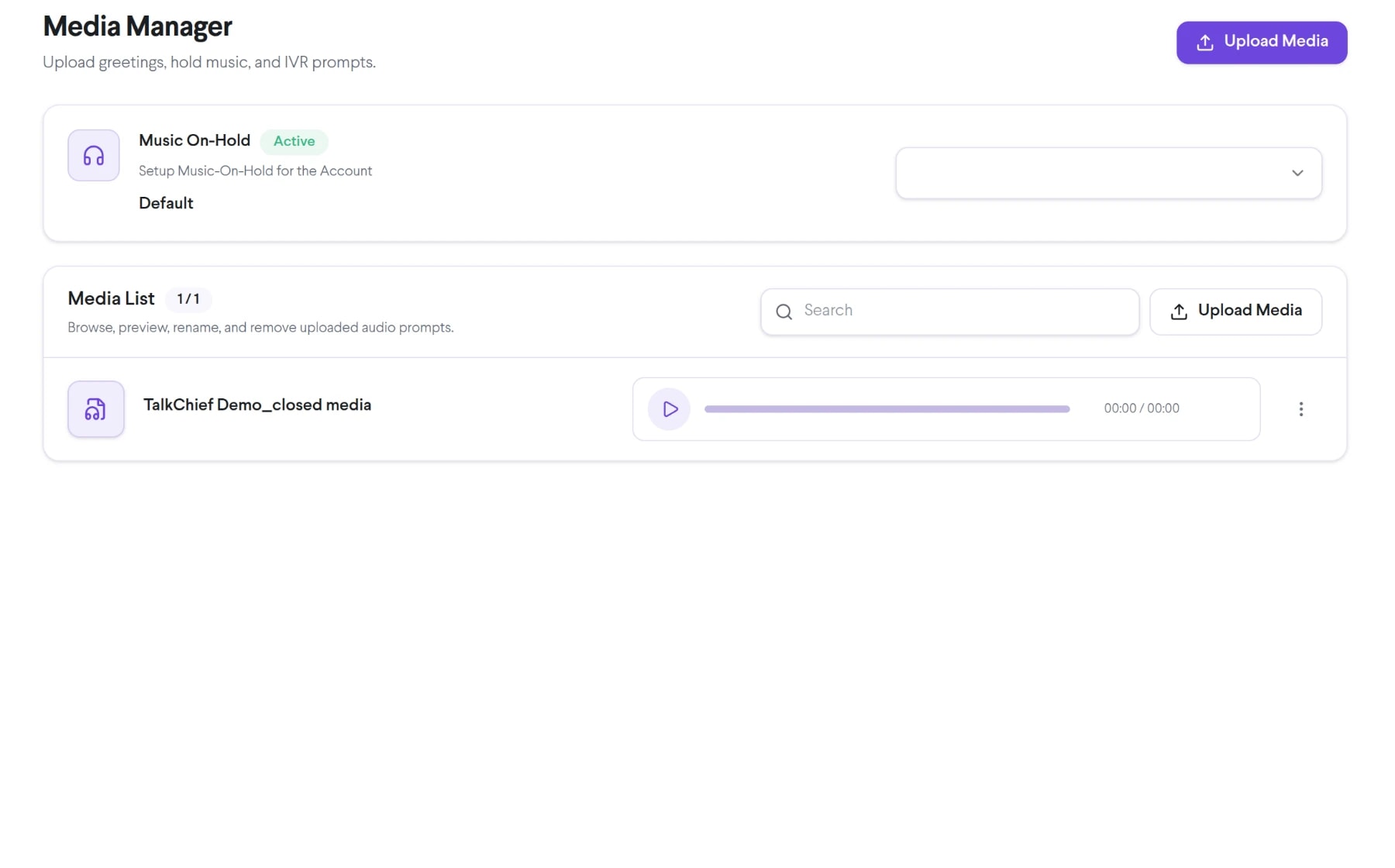
Bring on-hold music into the same connected experience as your business calls, customer conversations, and team collaboration.
Apply music or messages that your organization has the right to use.
Pair hold audio with relevant wait, callback, or service information where supported.
Use an agreed brand and service tone across eligible call flows.
See how on-hold music moves from setup to everyday use inside TalkChief.
Confirm ownership or the required rights for every audio file before uploading it.
Use a supported format and connect the audio to the intended hold or queue setting.
Test volume, clarity, looping, transitions, and spoken-message accuracy over a real phone call.
Explore related capabilities that bring calling, customer service, and teamwork together.
Place inbound callers into managed queues and connect them with available TalkChief agents using configured routing and wait experiences.
Explore Call Queuing →Contact centerLet eligible callers leave a TalkChief queue and receive a return call through the configured callback workflow instead of staying on hold.
Explore Queue Callback →Business phoneSet business hours for phone numbers and direct calls to the right open, closed, after-hours, or voicemail flow in TalkChief.
Explore Business Hours →Business phoneSee how numbers, routing, apps, contact-center tools, and analytics work together.
Explore →Business callingConnect numbers, teams, devices, and customer conversations with TalkChief.
Explore →