Block known sources
Add specific numbers to a managed blacklist when they repeatedly generate unwanted or abusive calls.
Give administrators a controlled way to stop selected numbers from entering business phone and contact-center workflows.
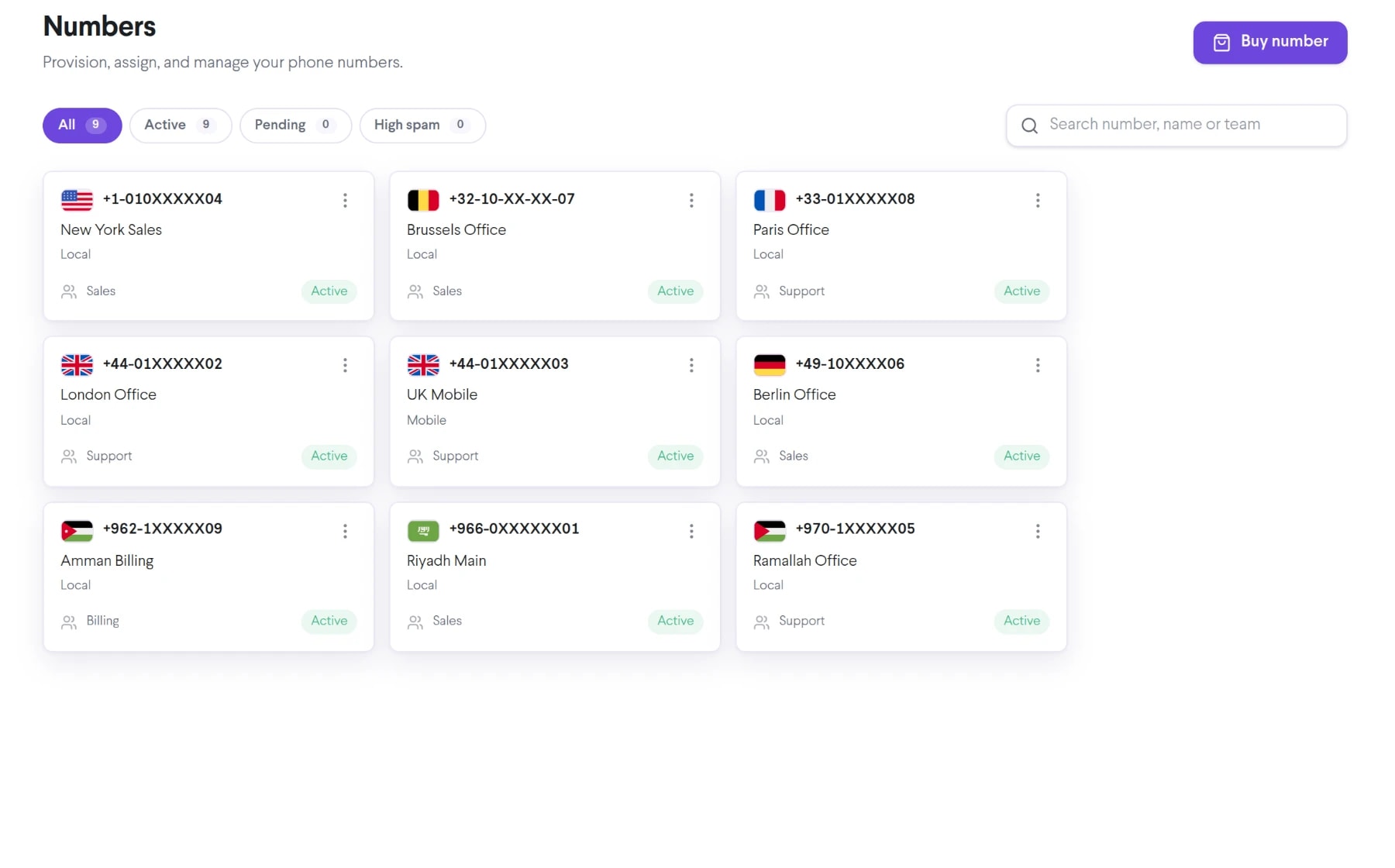
Bring blacklist numbers into the same connected experience as your business calls, customer conversations, and team collaboration.
Add specific numbers to a managed blacklist when they repeatedly generate unwanted or abusive calls.
Prevent blocked callers from consuming agent attention or adding avoidable queue volume.
Manage blocking decisions as an account policy instead of relying on each employee to handle them individually.
See how blacklist numbers moves from setup to everyday use inside TalkChief.
Confirm the source number from call history before applying a block.
An authorized administrator adds the number to the account blacklist.
Remove or update entries as business relationships and calling patterns change.
Explore related capabilities that bring calling, customer service, and teamwork together.
Monitor and manage business calling numbers when spam labels or reputation concerns affect how recipients may see outbound calls.
Explore Number Spam Protection →Business phoneRoute inbound business calls to the right TalkChief team, queue, extension, schedule, or approved destination using configurable call flows.
Explore Call Routing →Business phoneSet business hours for phone numbers and direct calls to the right open, closed, after-hours, or voicemail flow in TalkChief.
Explore Business Hours →Business phoneSee how numbers, routing, apps, contact-center tools, and analytics work together.
Explore →Business callingConnect numbers, teams, devices, and customer conversations with TalkChief.
Explore →