See incoming activity
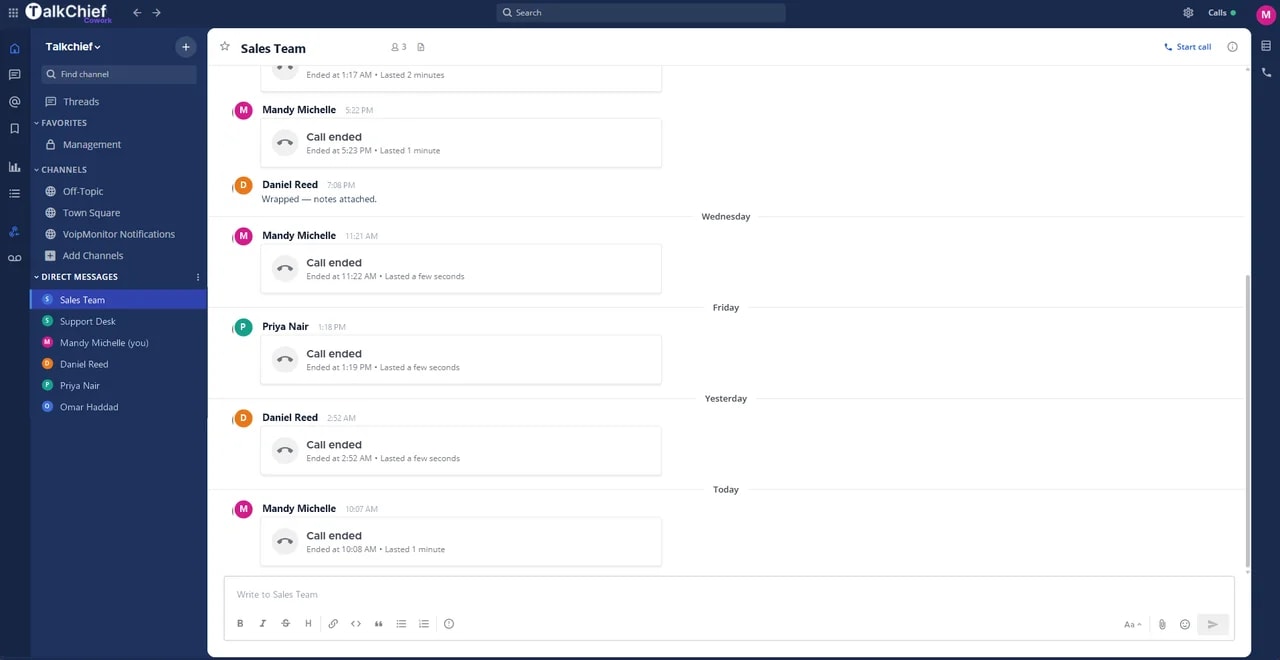
Surface a desktop alert when an eligible business call is offered to the user.
Help users notice business calls while working in other applications, with supported desktop notifications tied to their TalkChief account.
Bring desktop notifications into the same connected experience as your business calls, customer conversations, and team collaboration.
Surface a desktop alert when an eligible business call is offered to the user.
Use the supported notification action to open or answer the call workflow.
Let users work in other applications without keeping the phone interface in the foreground.
See how desktop notifications moves from setup to everyday use inside TalkChief.
Allow notifications for the TalkChief client in the operating system or browser.
Ensure the supported app is signed in and able to receive call events.
Verify sound, visual alerts, focus settings, and answer behavior on each managed device.
Explore related capabilities that bring calling, customer service, and teamwork together.
Use native TalkChief apps on Windows, macOS, iOS, and Android, or work from the TalkChief browser workspace.
Explore Desktop, Web and Mobile Calling Options →ProductivityPlay eligible incoming TalkChief call alerts through configured computer speakers while keeping call audio on the selected headset or device.
Explore Ring on Speakers →Business phoneForward eligible TalkChief business calls to an approved mobile, landline, or external number when users need another answering destination.
Explore Forward to Phone →TalkChief appsExplore TalkChief for Windows, macOS, iOS, Android, and the web.
Explore →IntegrationsBring business calling and customer context into the workflows your team already knows.
Explore →