Call from customer records
Use supported click-to-call actions where the integration makes them available.
Bring phone actions closer to customer records so sales and service teams spend less time moving between disconnected tools.
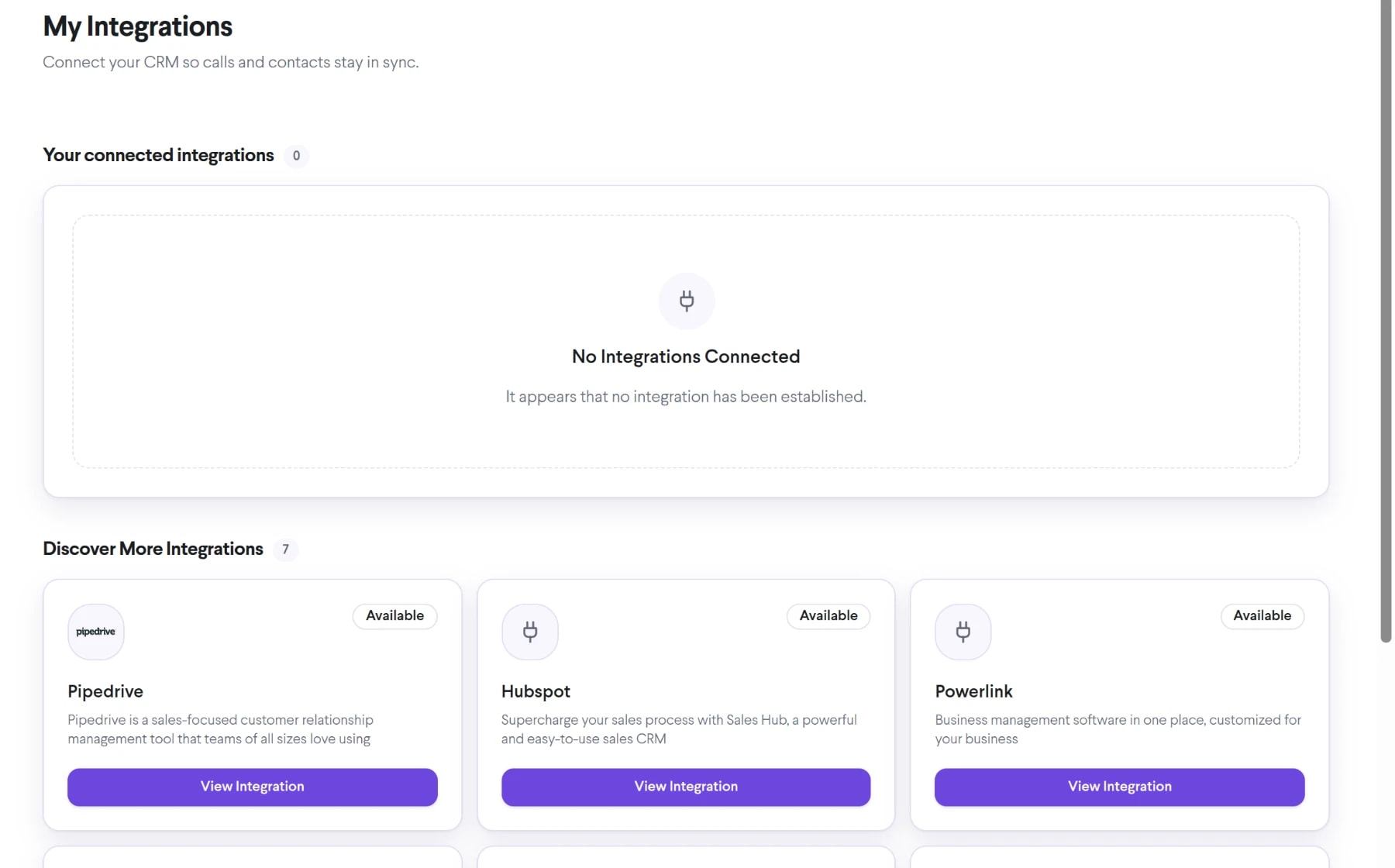
Bring crm integrations into the same connected experience as your business calls, customer conversations, and team collaboration.
Use supported click-to-call actions where the integration makes them available.
Bring approved call events and identifiers into the processes your team uses to manage customers.
Let people work from familiar CRM screens while TalkChief handles the connected communications step.
See how crm integrations moves from setup to everyday use inside TalkChief.
Define whether the priority is click-to-call, activity context, automation, or a custom integration.
Configure the supported connection, users, numbers, and required permissions.
Validate calling, identity, record matching, and failure handling before wider rollout.
Explore related capabilities that bring calling, customer service, and teamwork together.
Start TalkChief business calls from connected CRM and workflow interfaces without copying and manually dialing every phone number.
Explore Click-to-Call →AnalyticsFilter TalkChief call activity by relevant dates, teams, members, directions, outcomes, and other available fields to find the records you need.
Explore Custom Filters →AnalyticsReview and share structured TalkChief call reports covering activity, outcomes, duration, teams, members, and available financial data.
Explore Comprehensive Call Reports →TalkChief appsExplore TalkChief for Windows, macOS, iOS, Android, and the web.
Explore →IntegrationsBring business calling and customer context into the workflows your team already knows.
Explore →