Start calls from context
Place supported outbound calls from a CRM record or connected workflow.
Help teams start calls from the workflow where customer context already lives, using supported integrations or the TalkChief API.
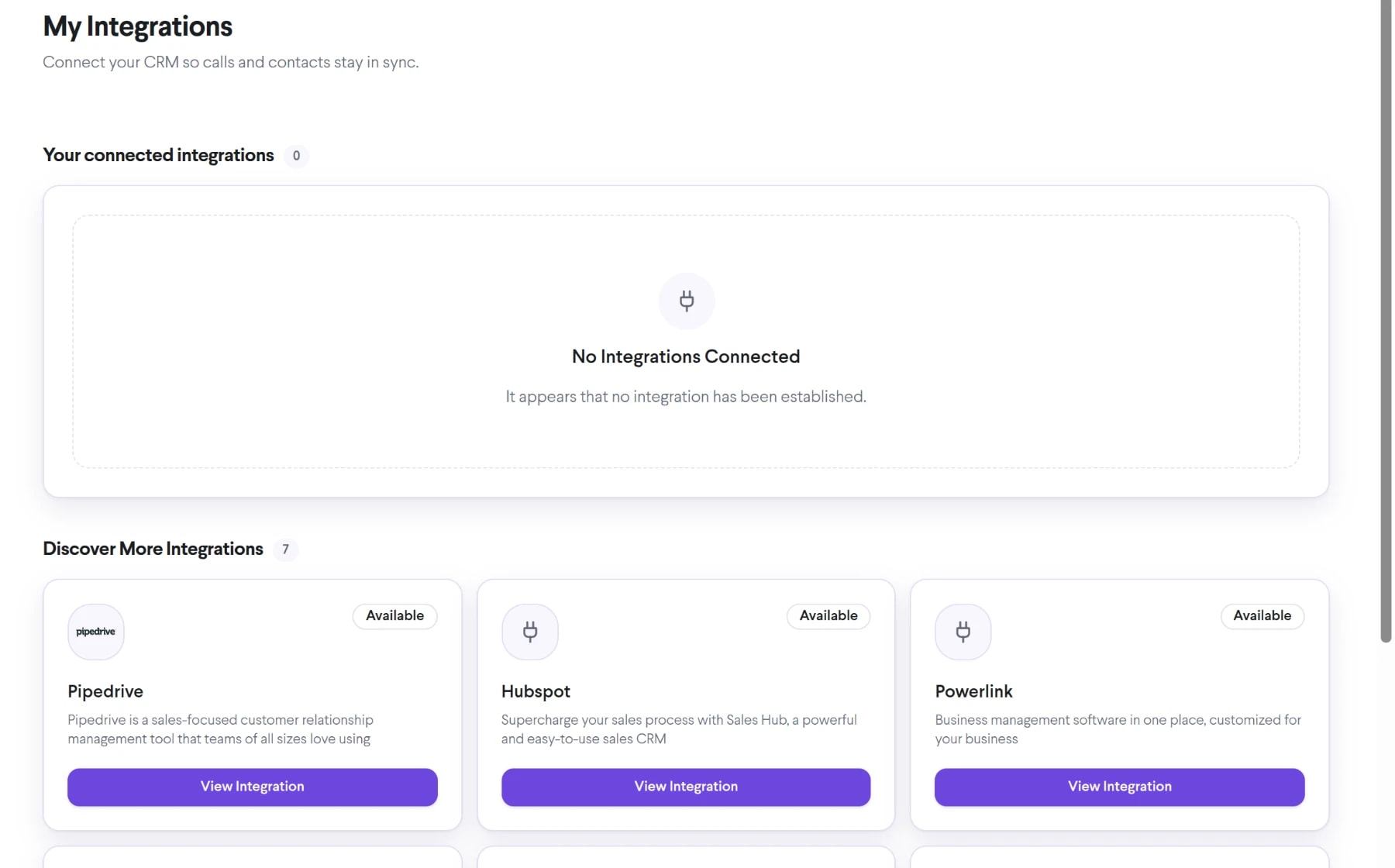
Bring click-to-call into the same connected experience as your business calls, customer conversations, and team collaboration.
Place supported outbound calls from a CRM record or connected workflow.
Avoid copying long numbers between systems and re-entering them on a keypad.
Connect calling actions to the process your sales or service team already follows.
See how click-to-call moves from setup to everyday use inside TalkChief.
Start from the CRM or business application that contains the approved destination number.
The supported integration or API requests the TalkChief calling workflow.
The agent is connected according to the configured calling method and account permissions.
Explore related capabilities that bring calling, customer service, and teamwork together.
Connect TalkChief calling workflows with supported CRM systems so teams can start calls with customer context close at hand.
Explore CRM Integrations →Business phoneApply TalkChief outbound routing rules around users, destinations, approved numbers, timezones, and business calling policies.
Explore Outbound Call Routing →ProductivityUse native TalkChief apps on Windows, macOS, iOS, and Android, or work from the TalkChief browser workspace.
Explore Desktop, Web and Mobile Calling Options →TalkChief appsExplore TalkChief for Windows, macOS, iOS, Android, and the web.
Explore →IntegrationsBring business calling and customer context into the workflows your team already knows.
Explore →